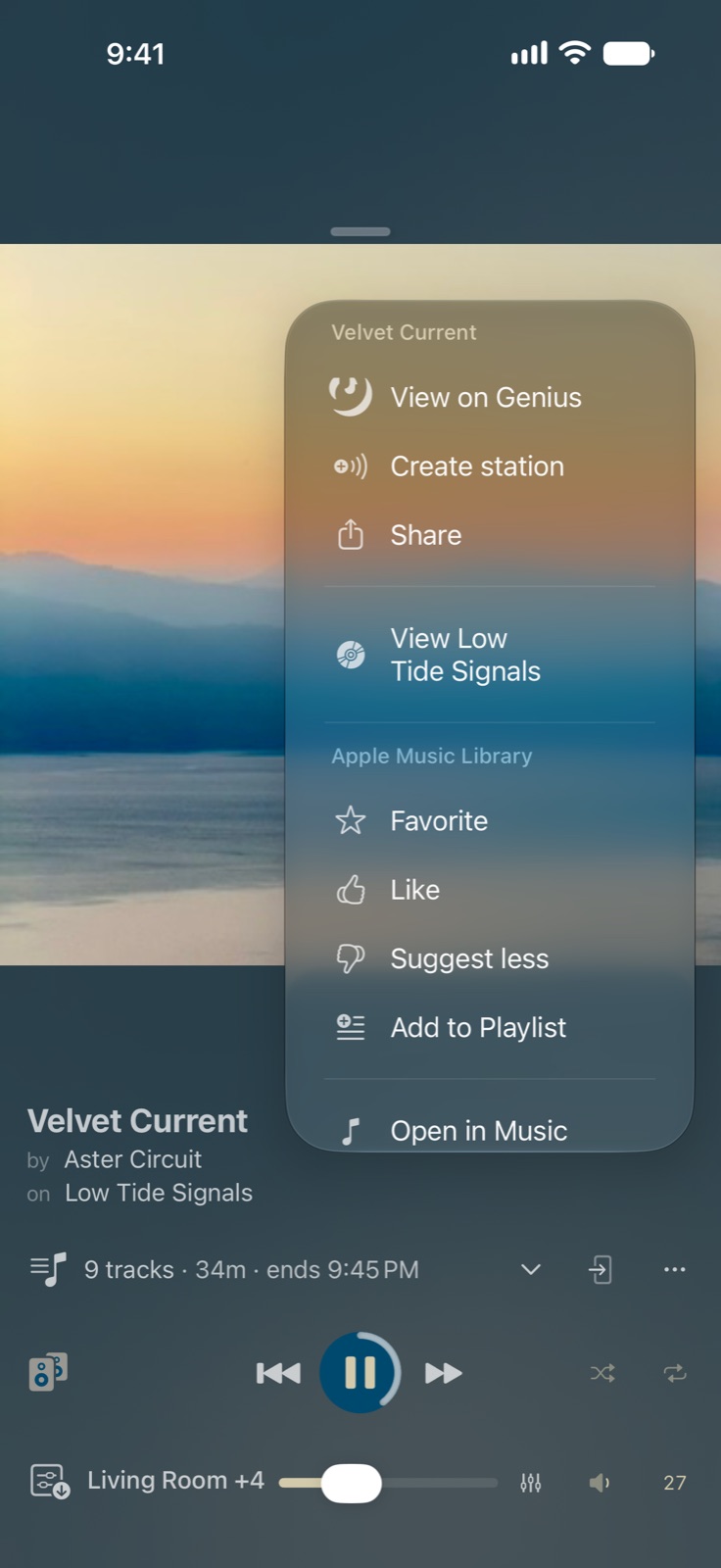
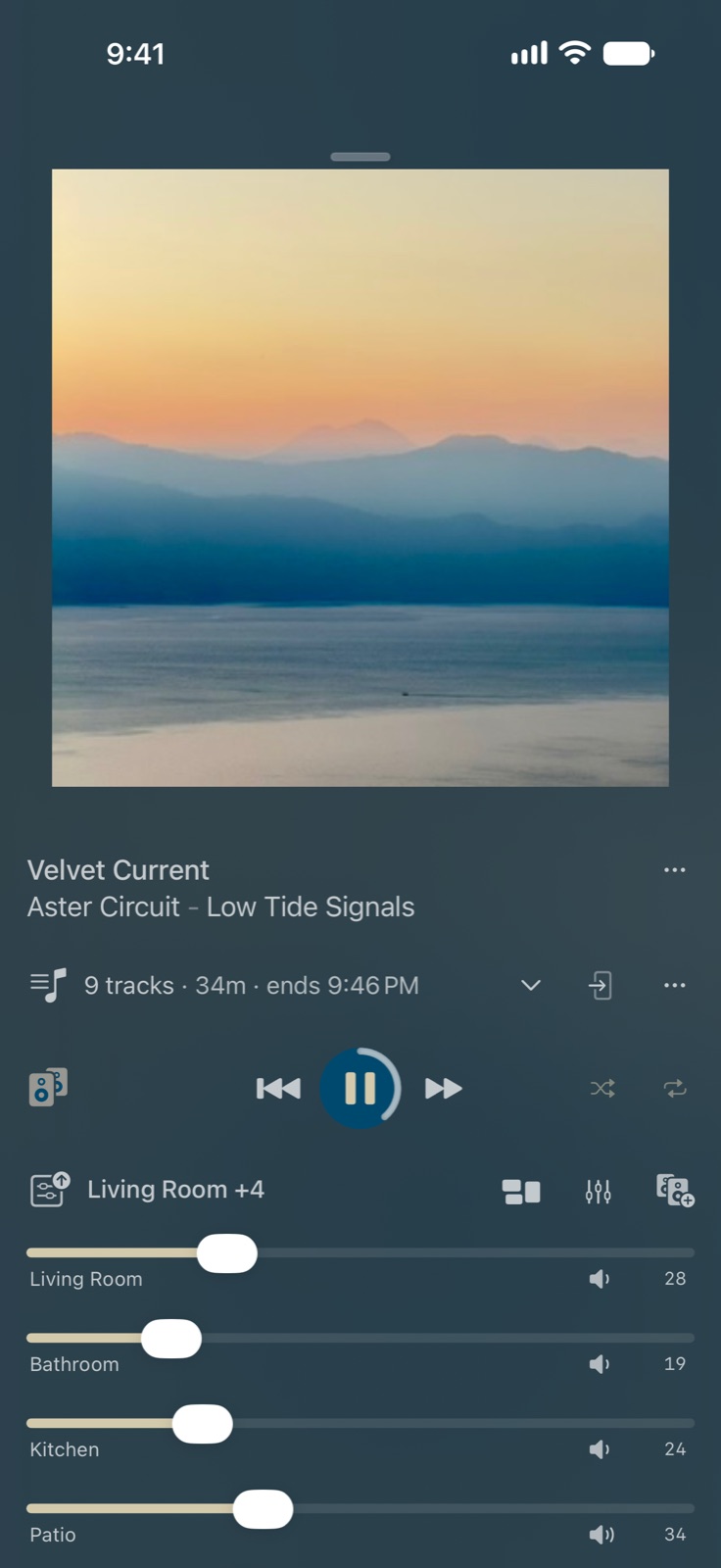
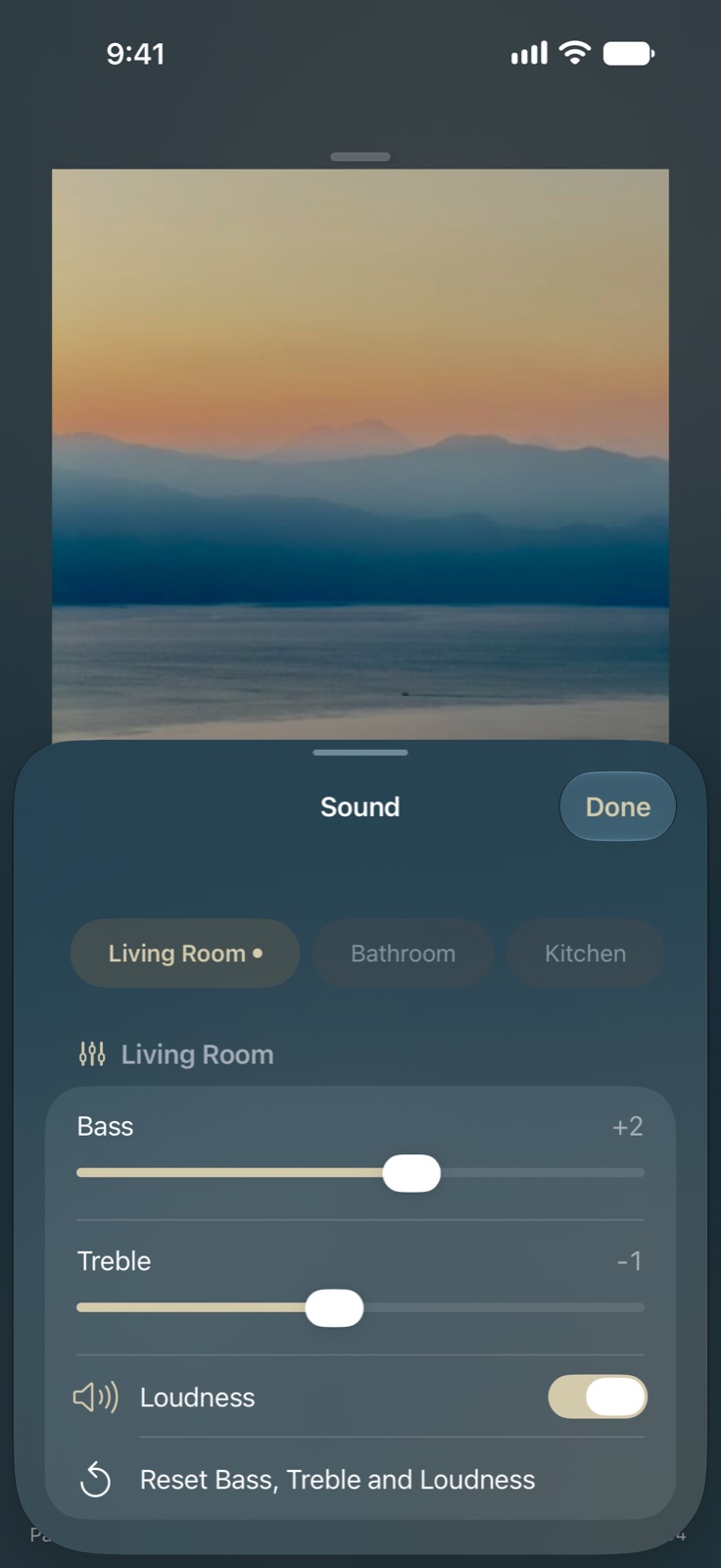
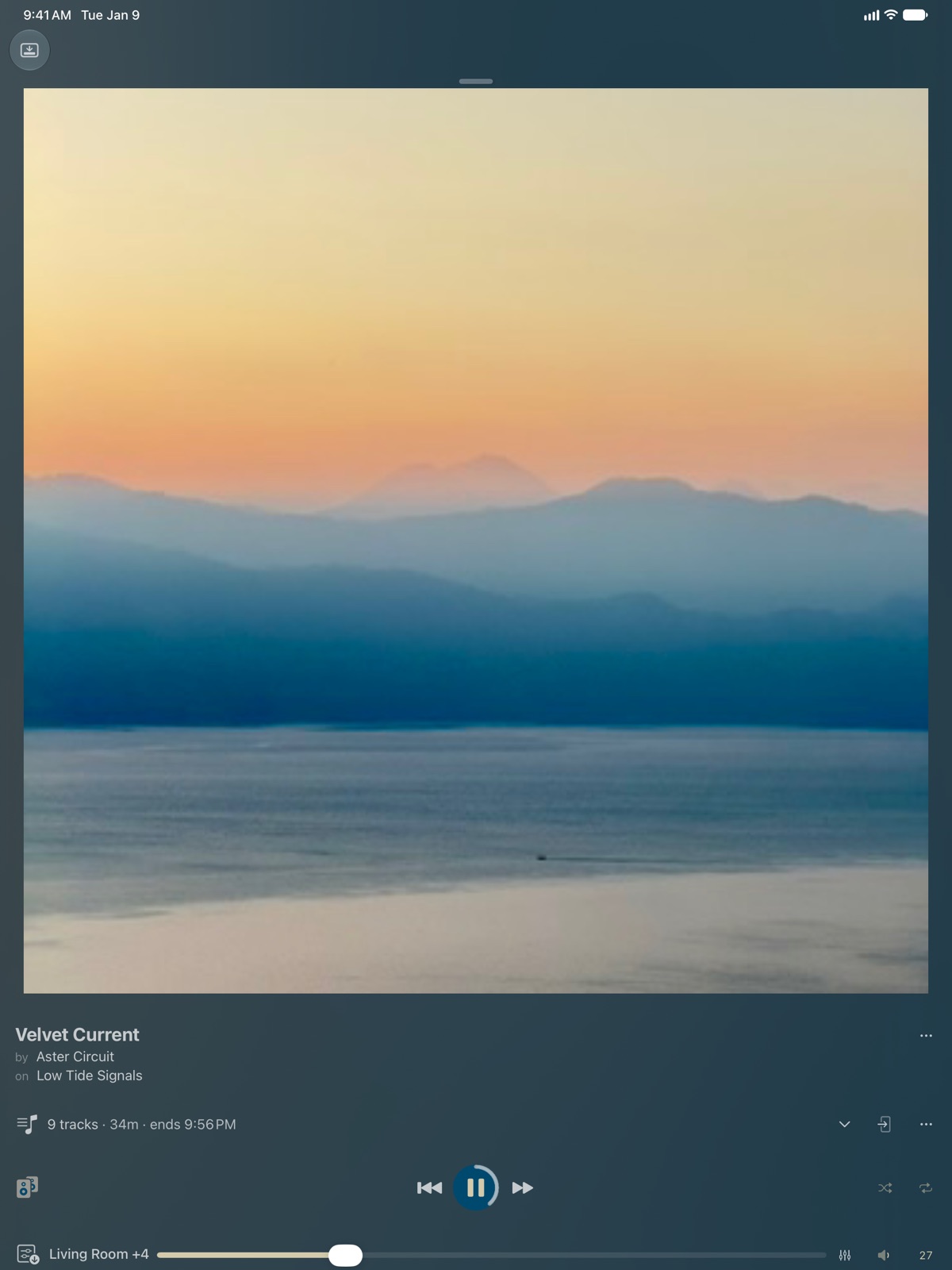
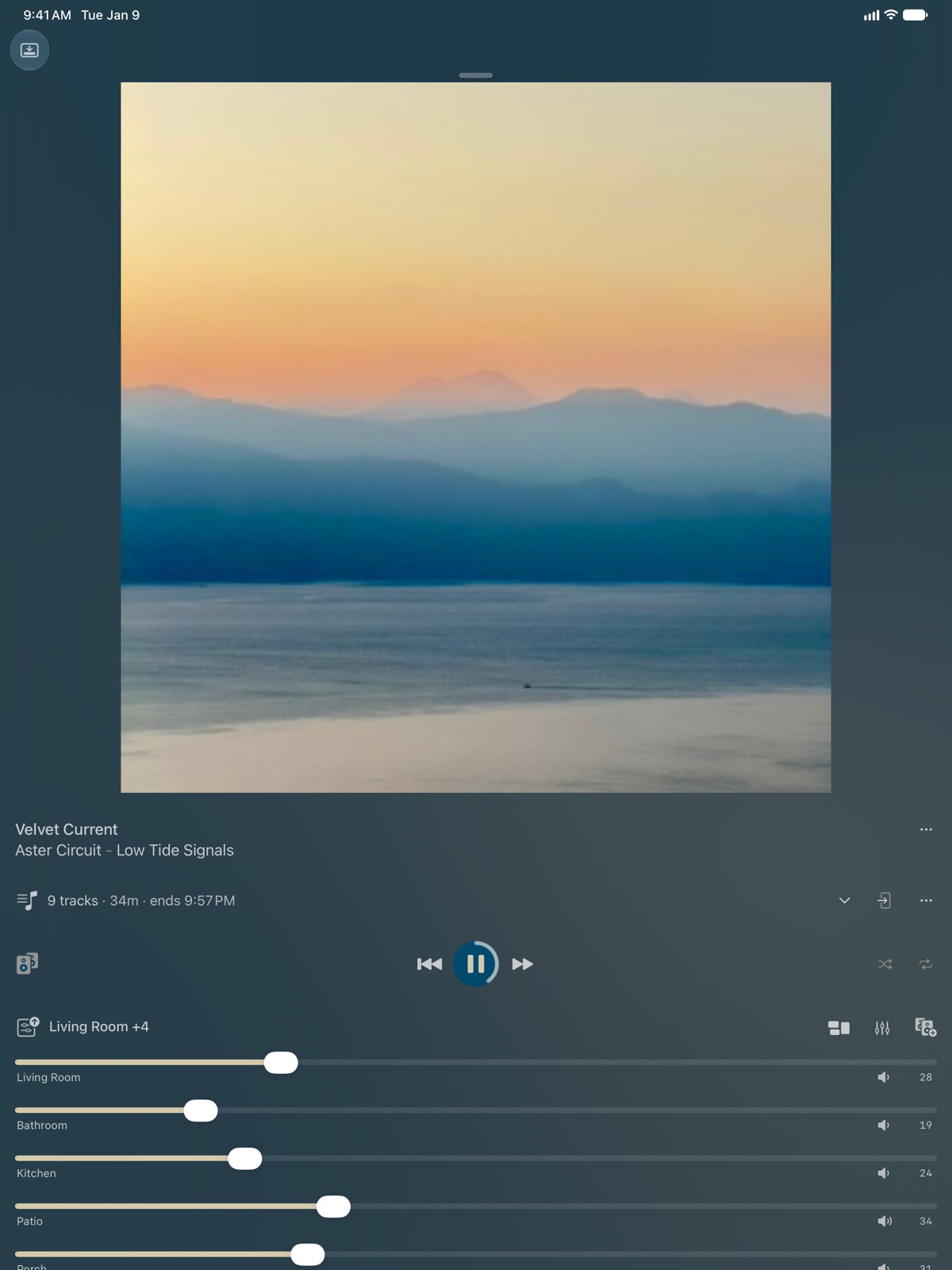
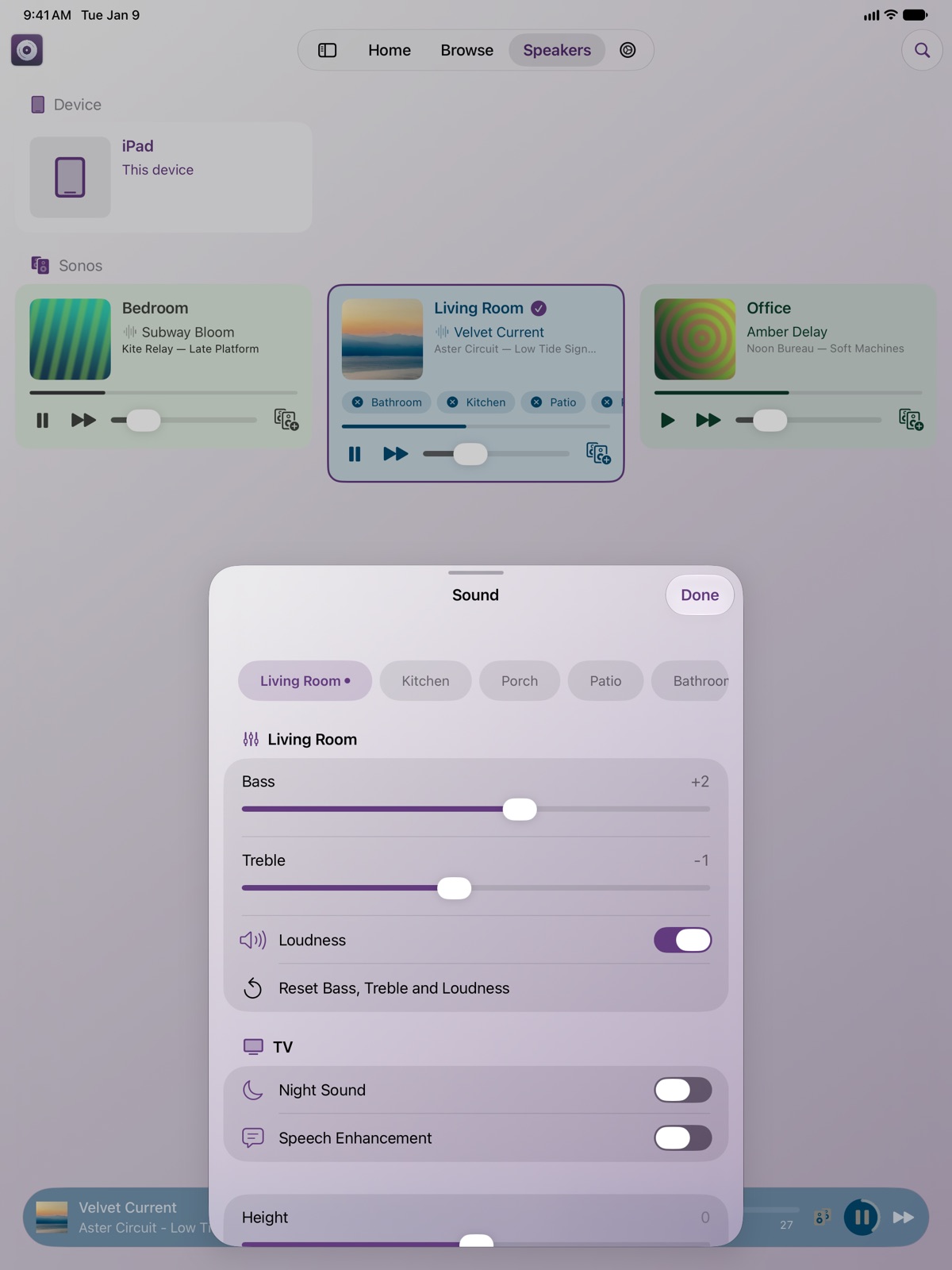
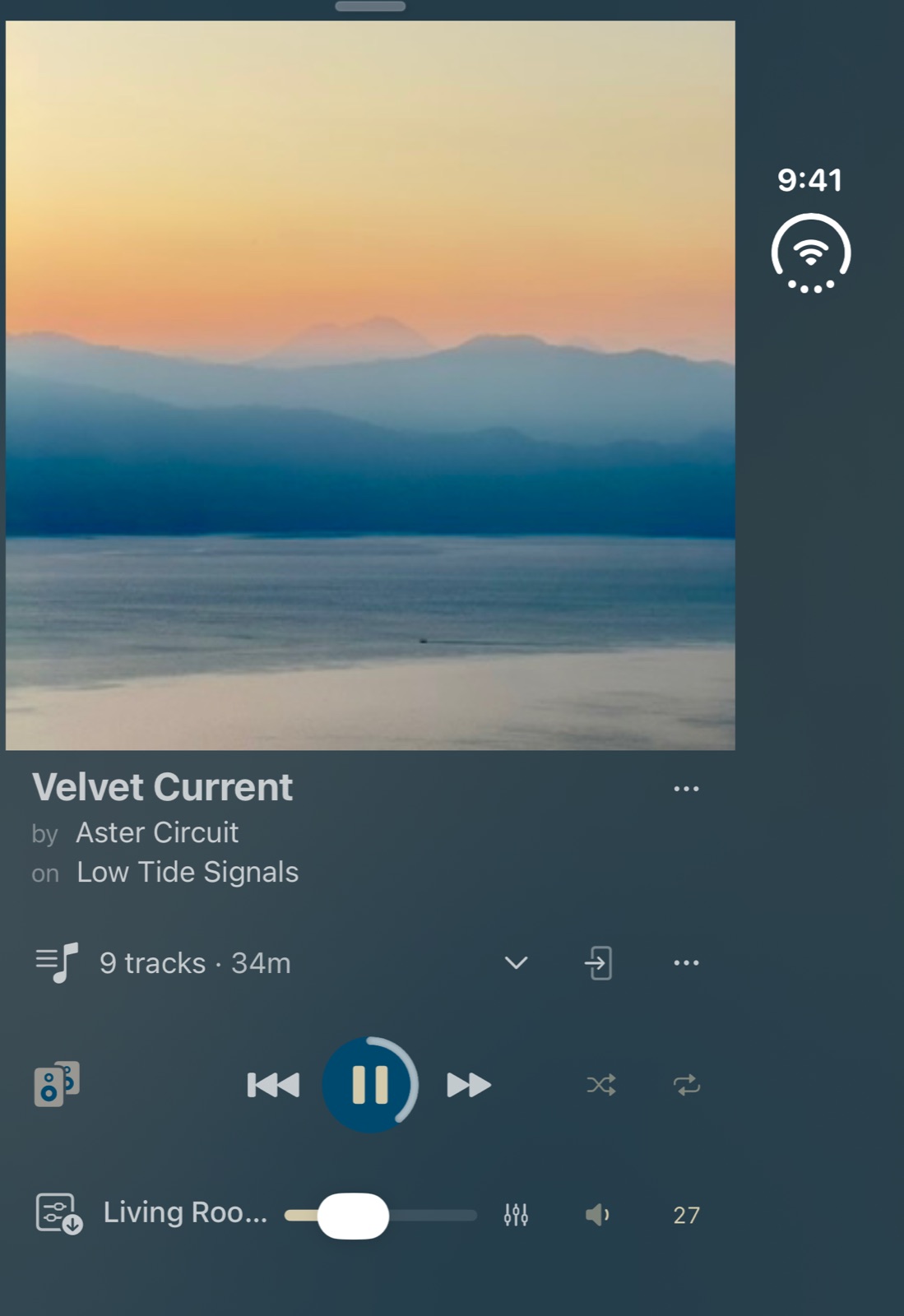
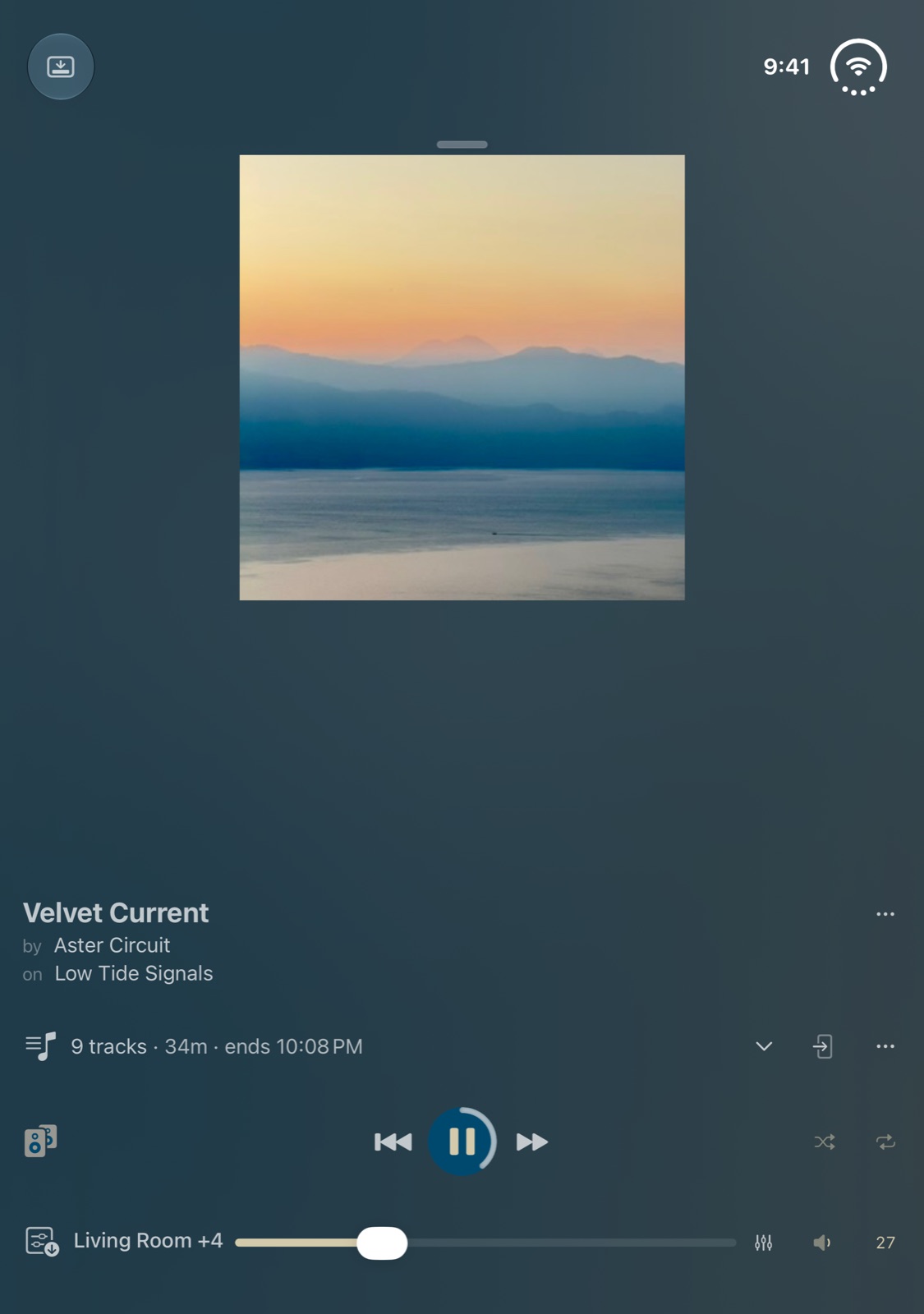
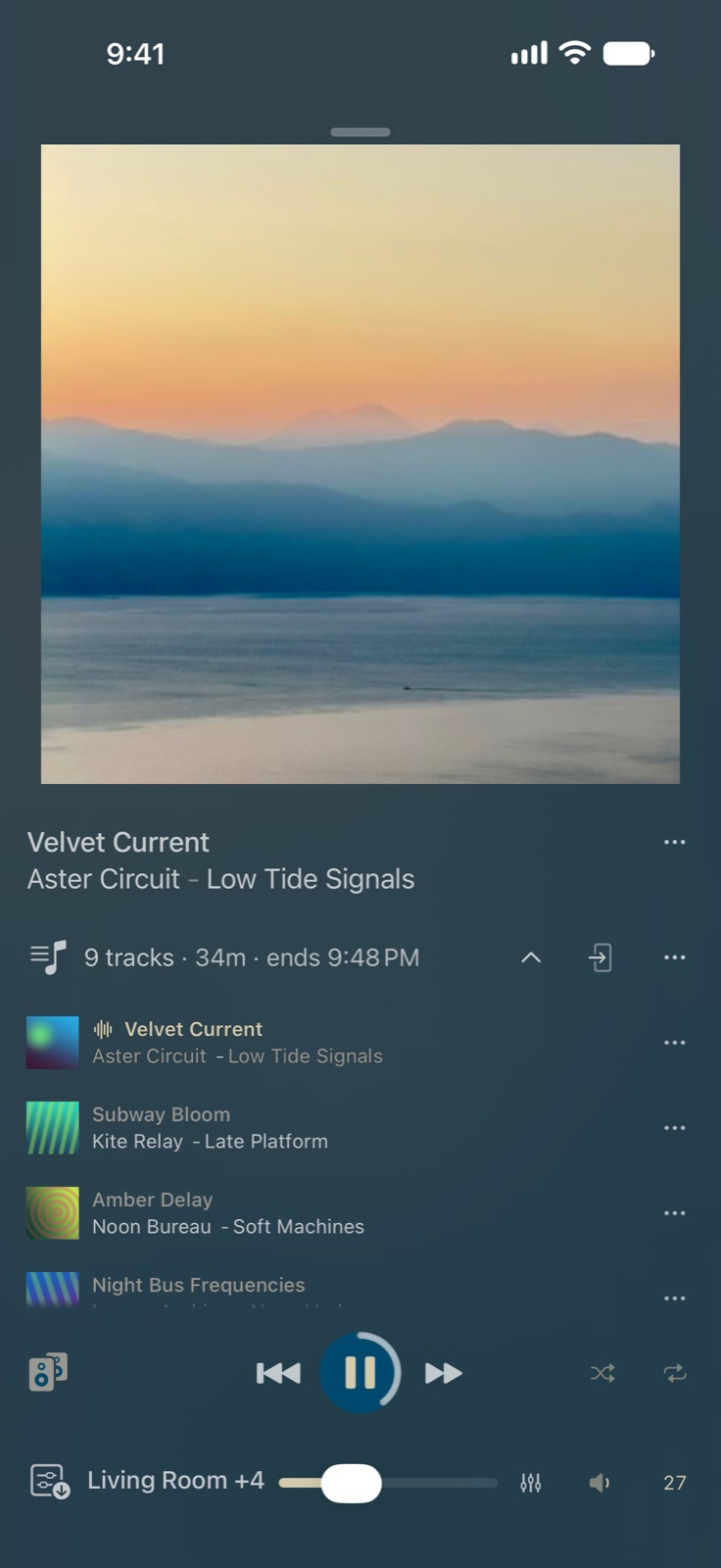
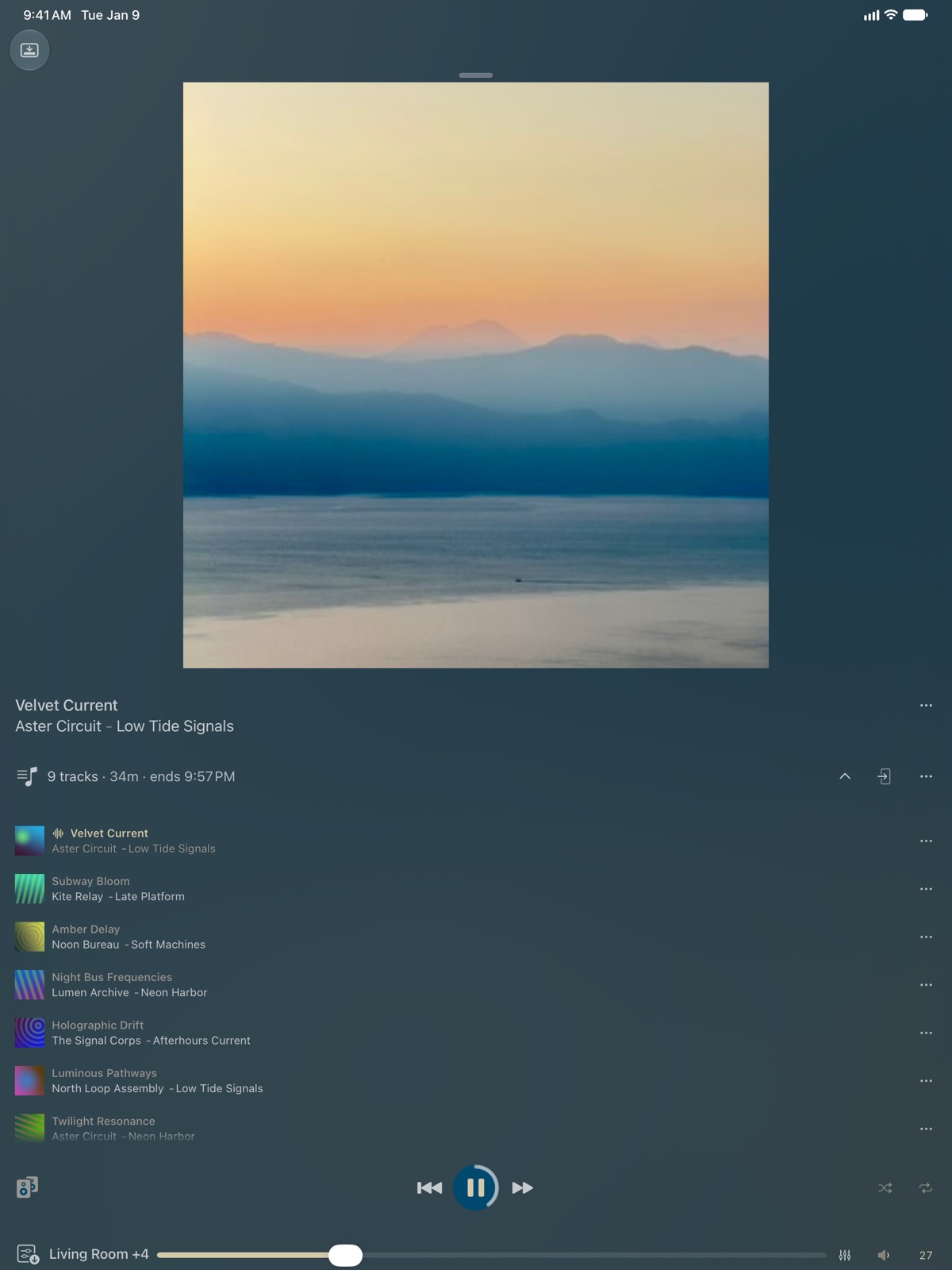
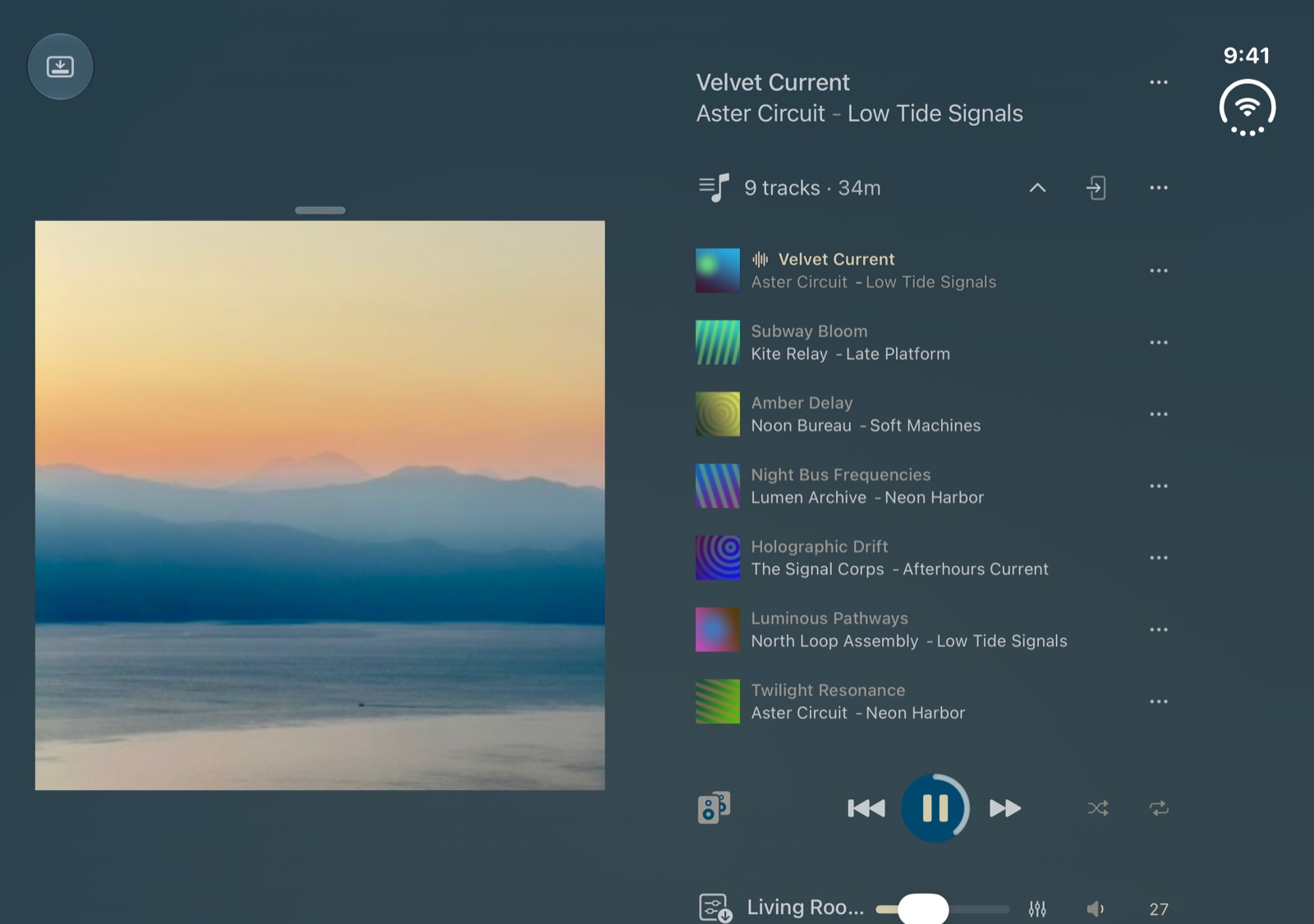
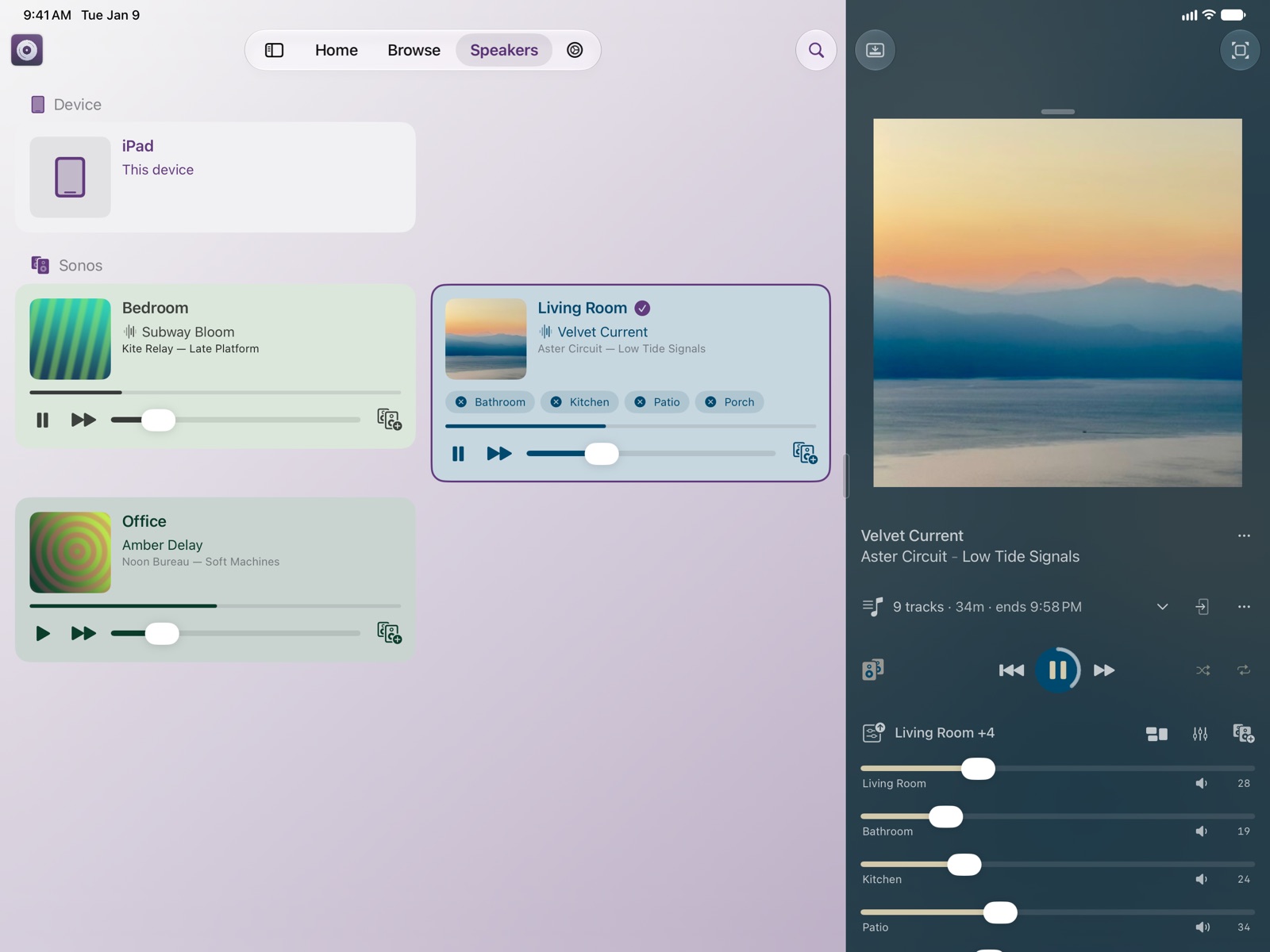
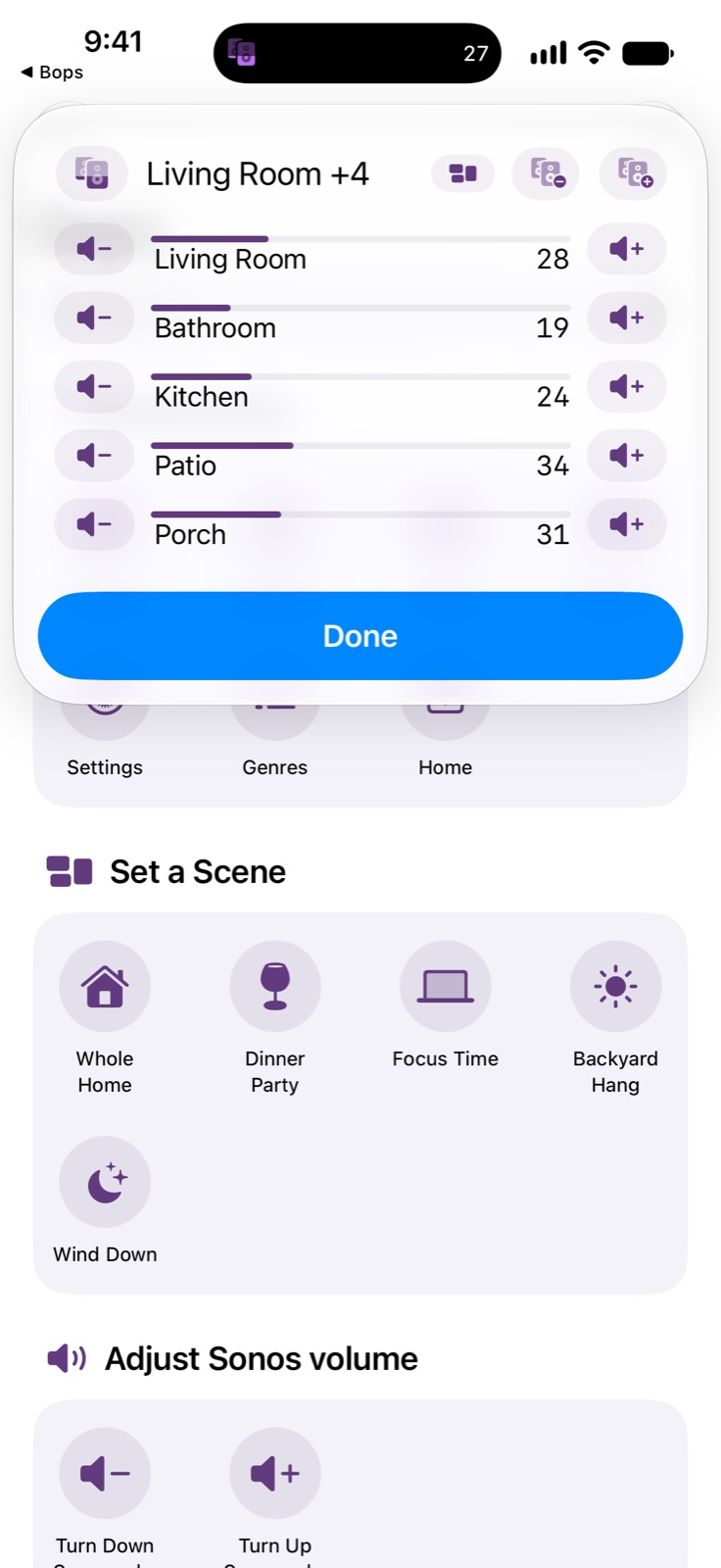
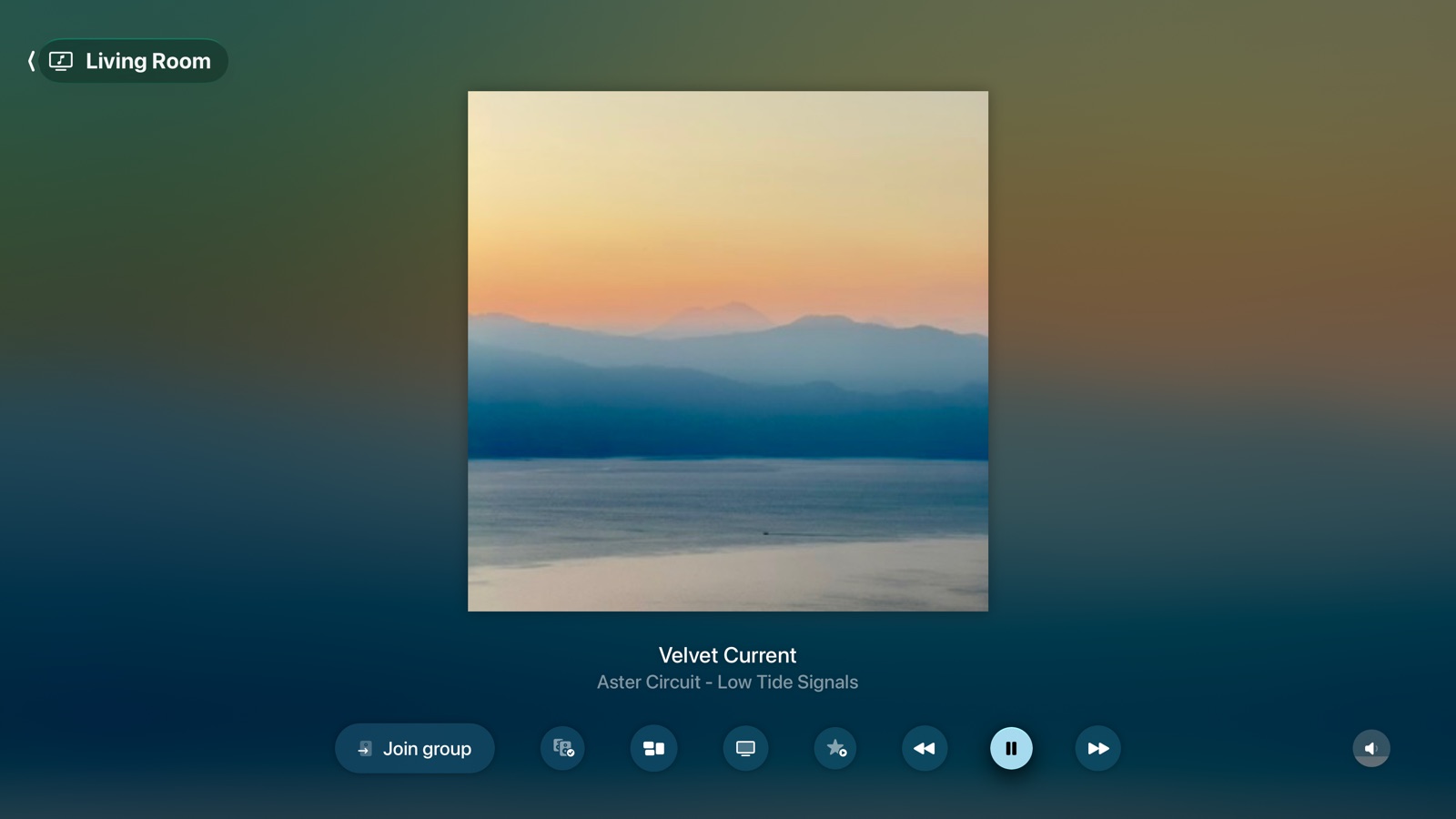
iPhone Now Playing on a Sonos room, with the song's menuiPhone A volume slider for every room in the groupiPhone Each room's Bass, Treble and Loudness, one tap from Now PlayingiPad Now Playing on iPadiPad Room volumes on iPadiPad Sound settings on iPad, with Night Sound and Speech Enhancement for a TViPhone Duo Now Playing on iPhone Duo, foldediPhone Duo Now Playing on iPhone Duo, partly folded
Queue
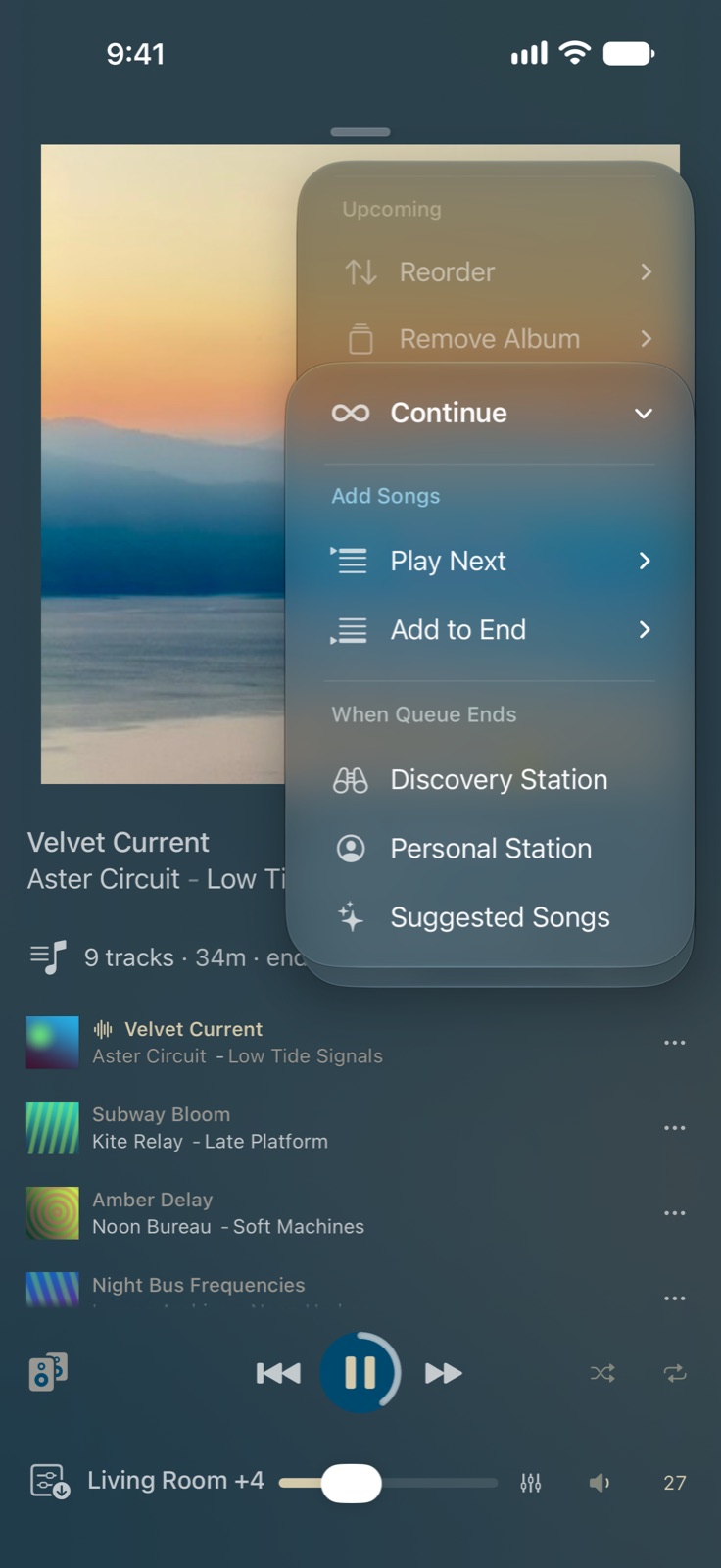
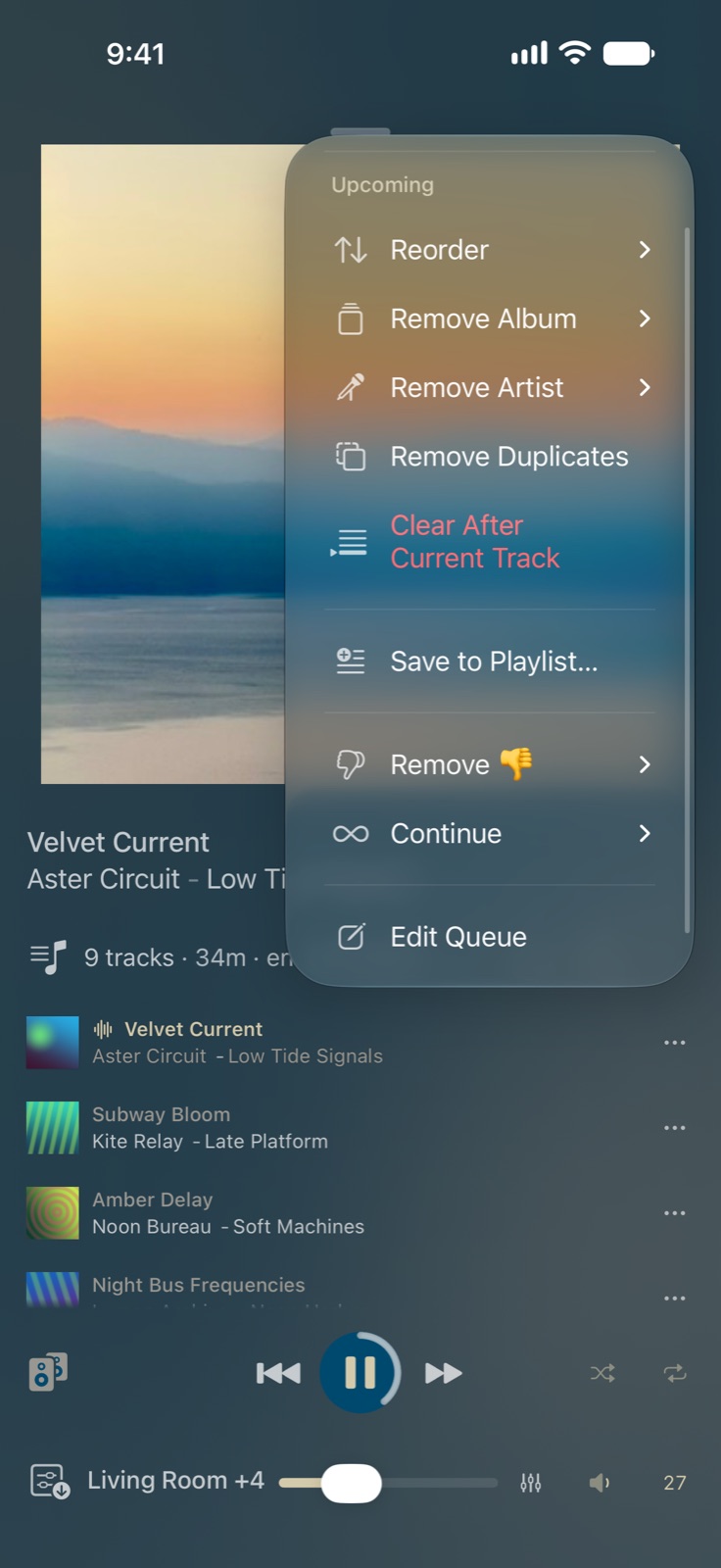
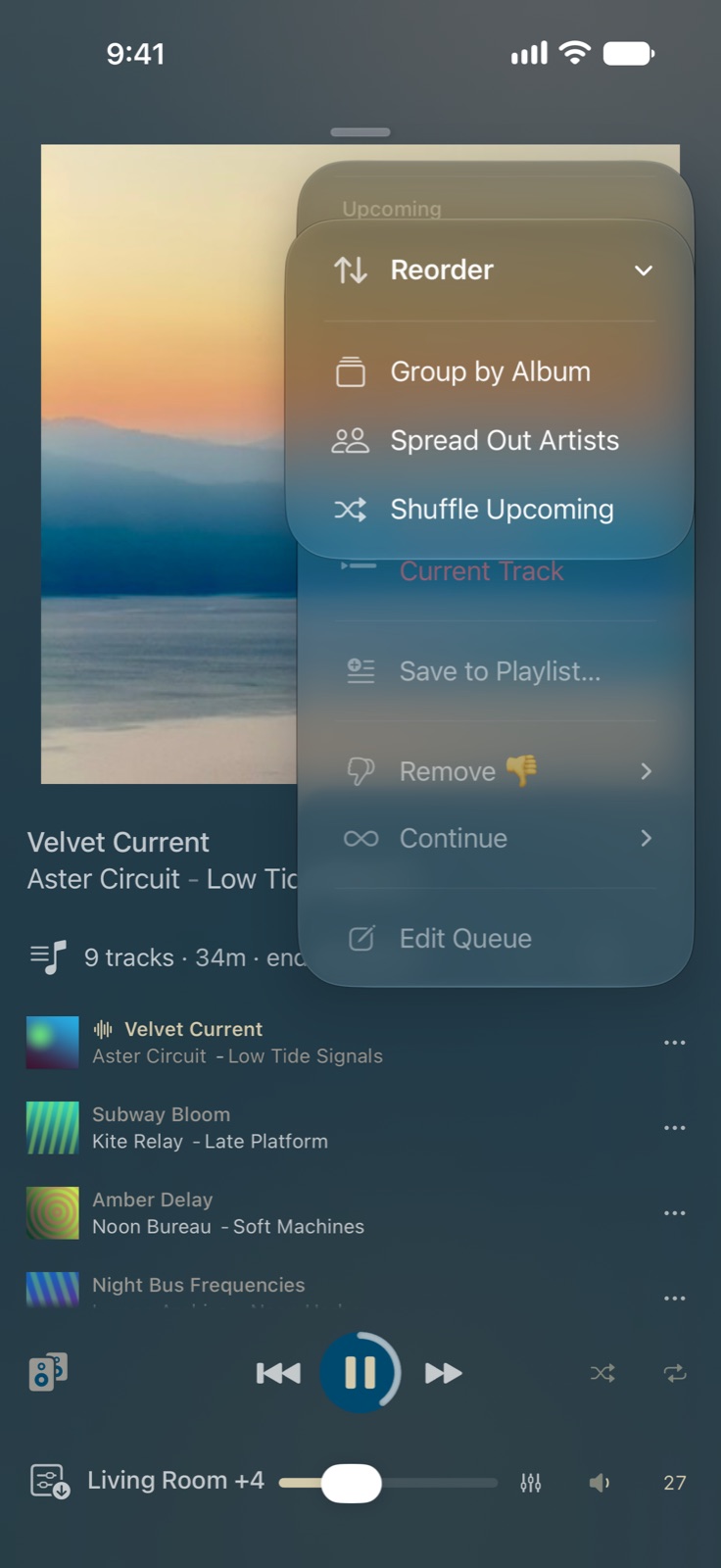
iPhone What's up next, under Now PlayingiPhone Continue picks what plays when the queue endsiPhone The queue's menu, with the Gold queue toolsiPhone Reorder groups by album, spreads out artists or shuffles what's next (Gold)iPad The queue on iPadiPhone Duo Now Playing and the queue on either side of the iPhone Duo's fold
Speakers and Scenes
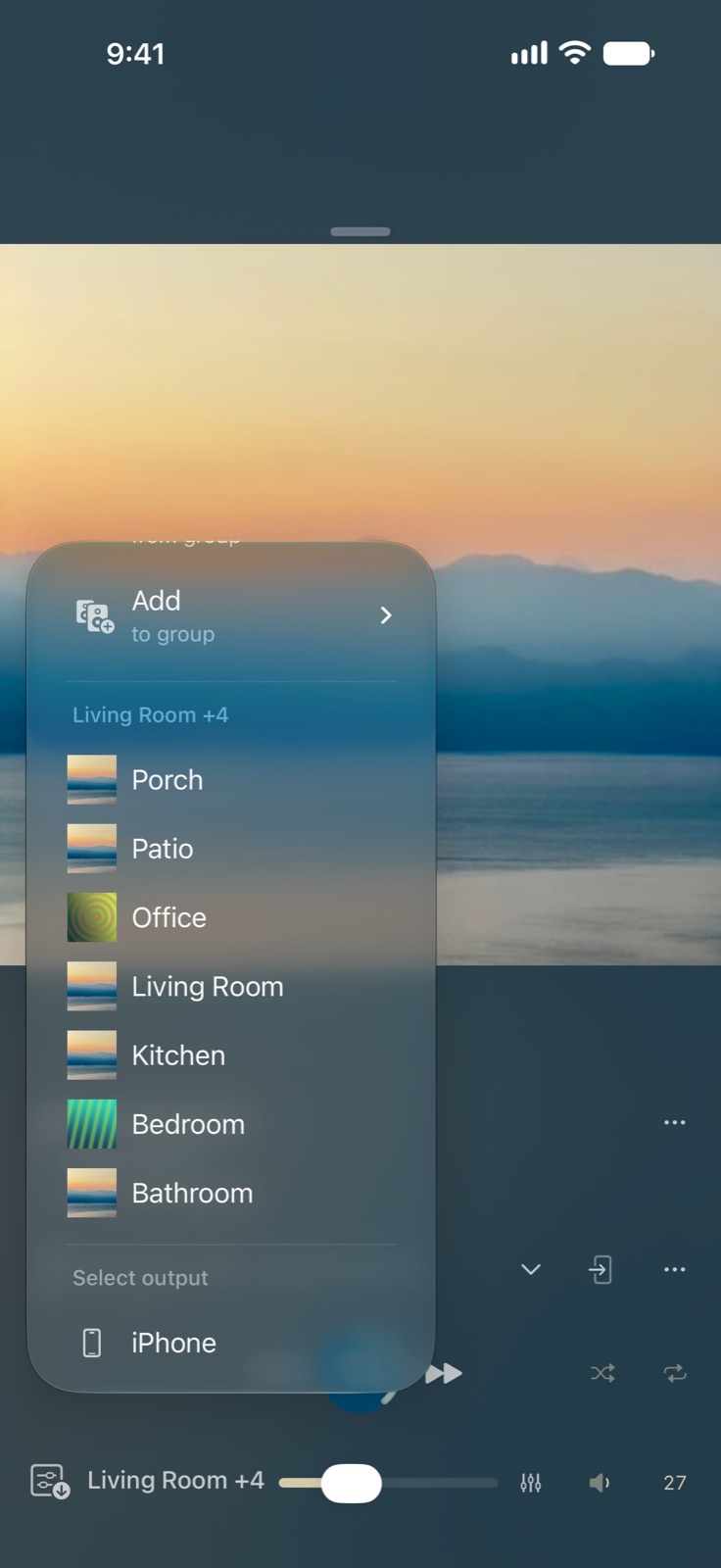
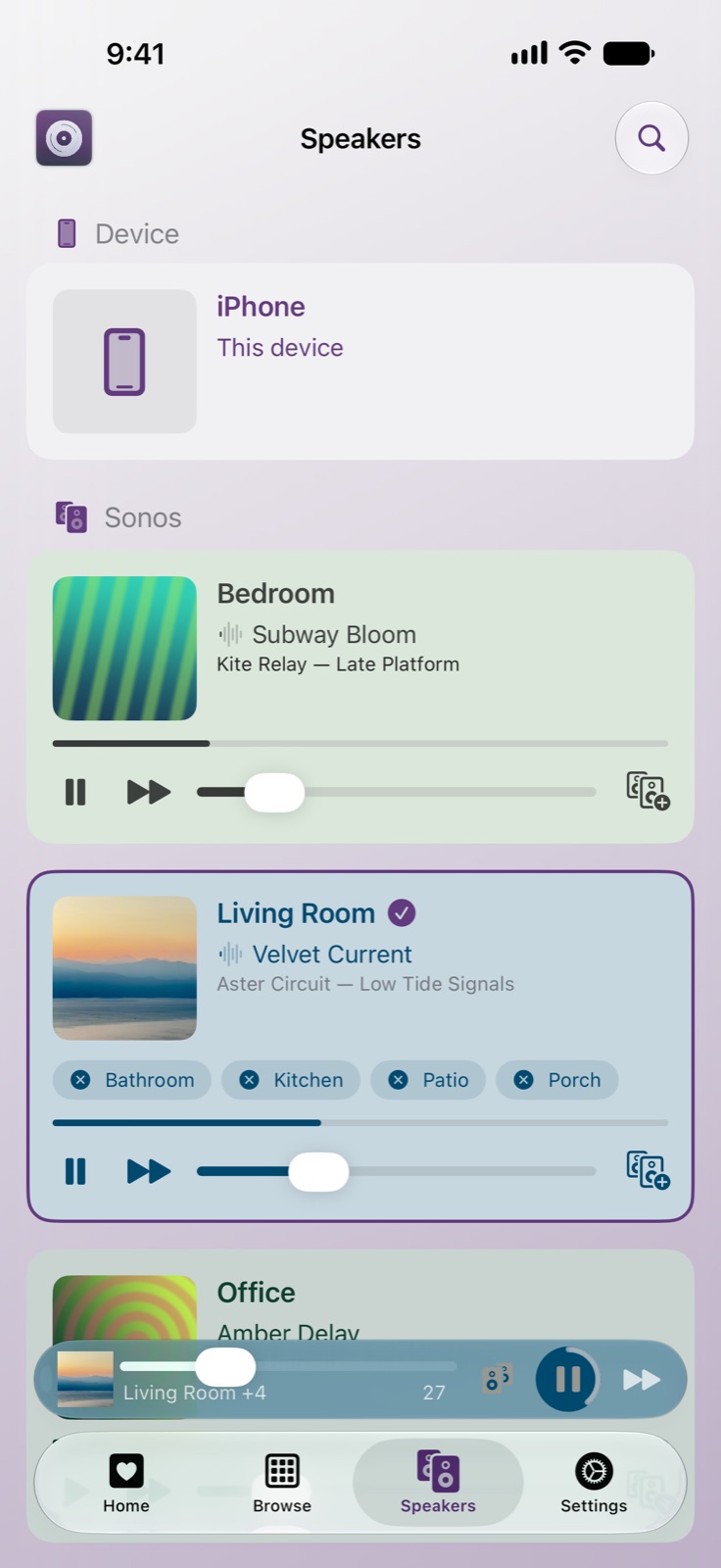
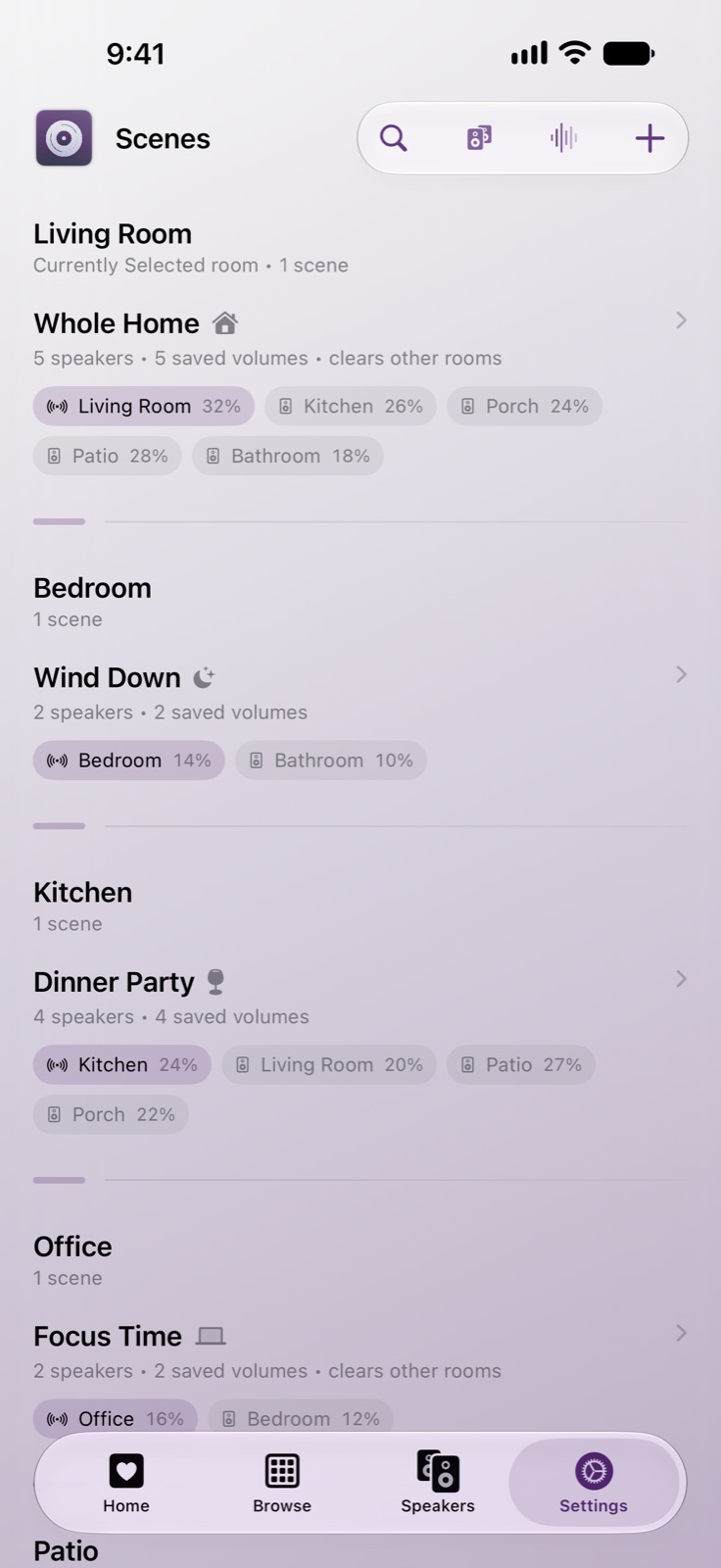
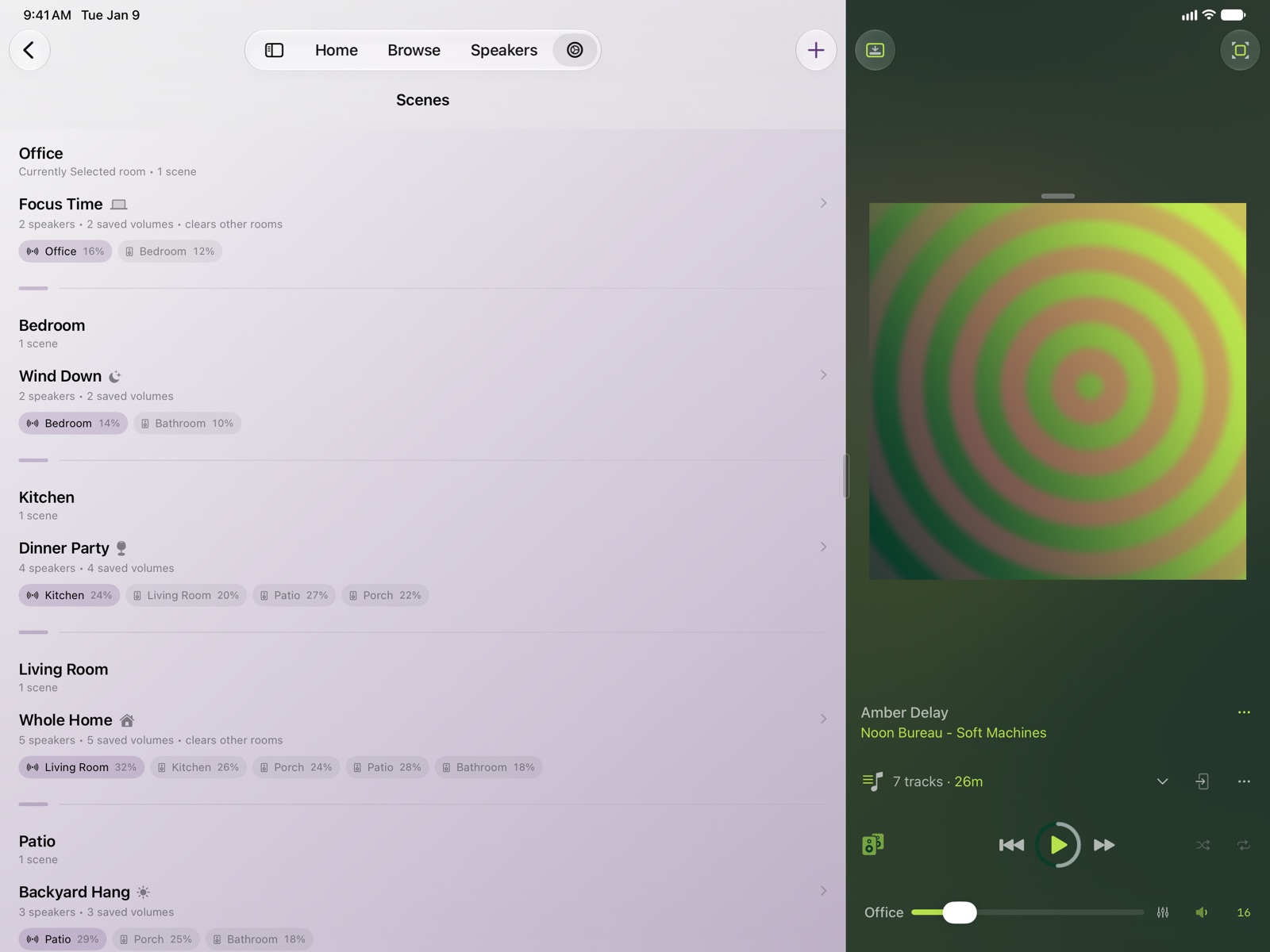
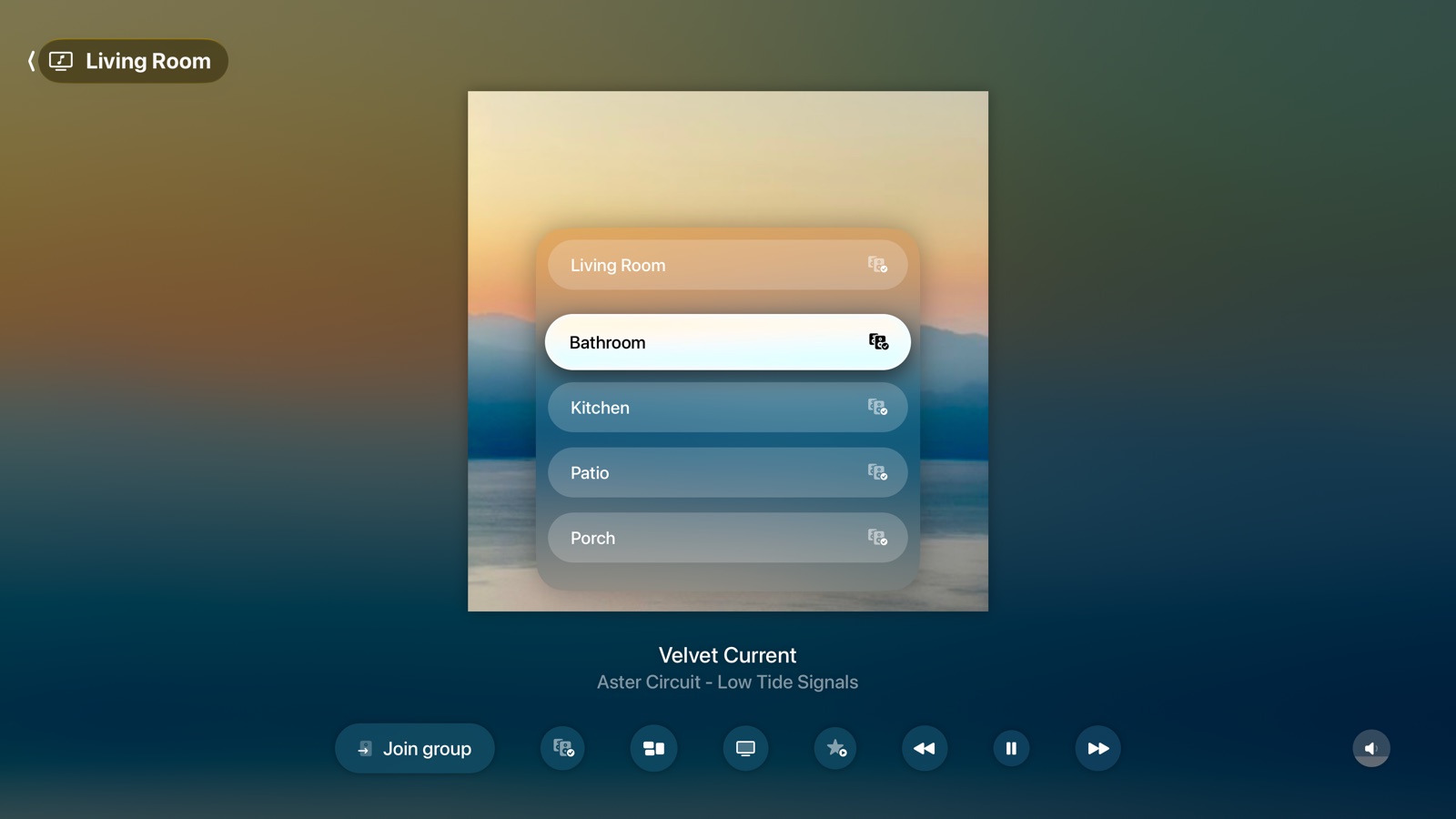
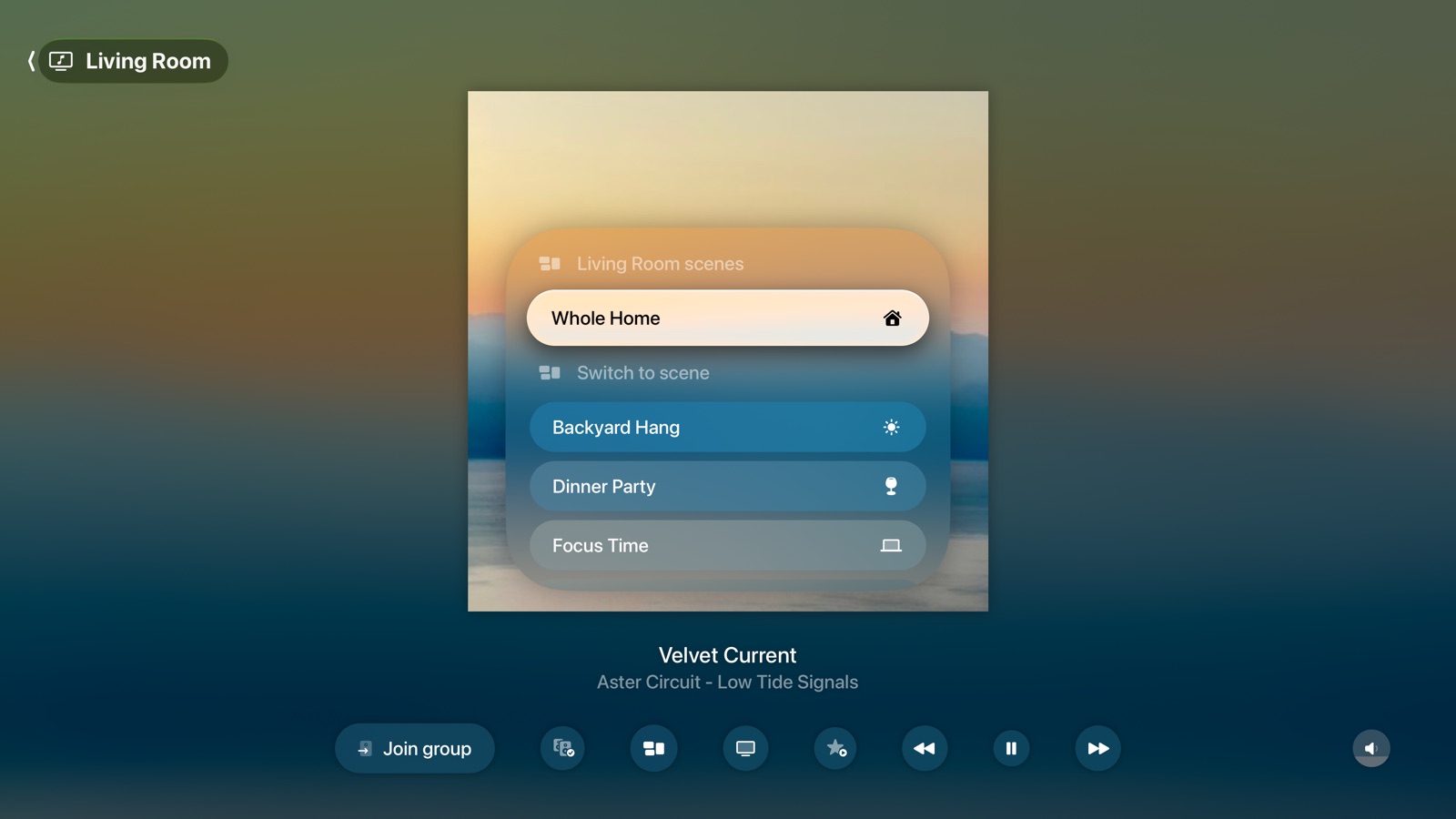
iPhone Add rooms to the group, or play on your iPhoneiPhone The Speakers tab plays, pauses, groups and sets the volume of every roomiPad The Speakers tab on iPadiPhone Scenes save and restore groups and volumes (Gold)iPad Scenes on iPad (Gold)
On the go
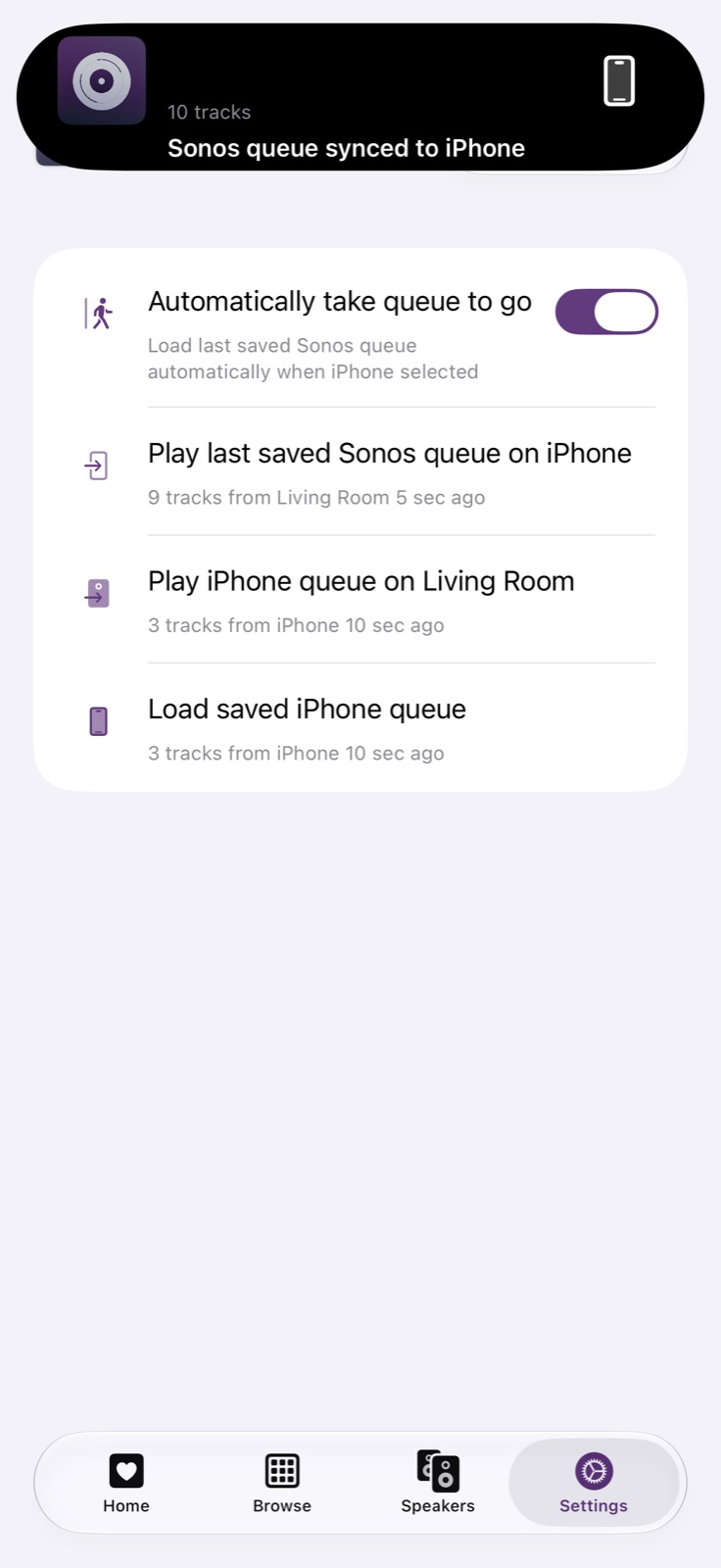
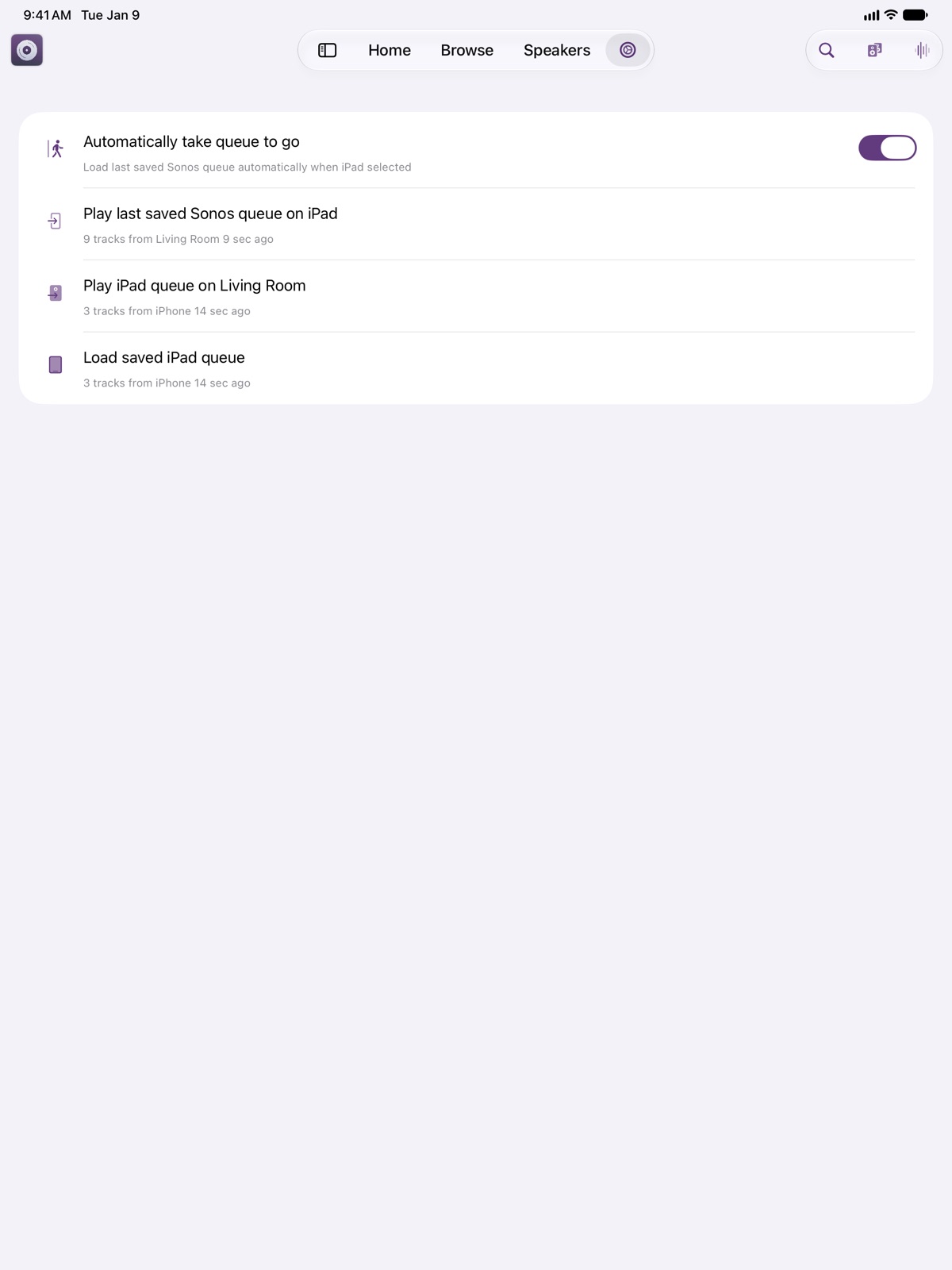
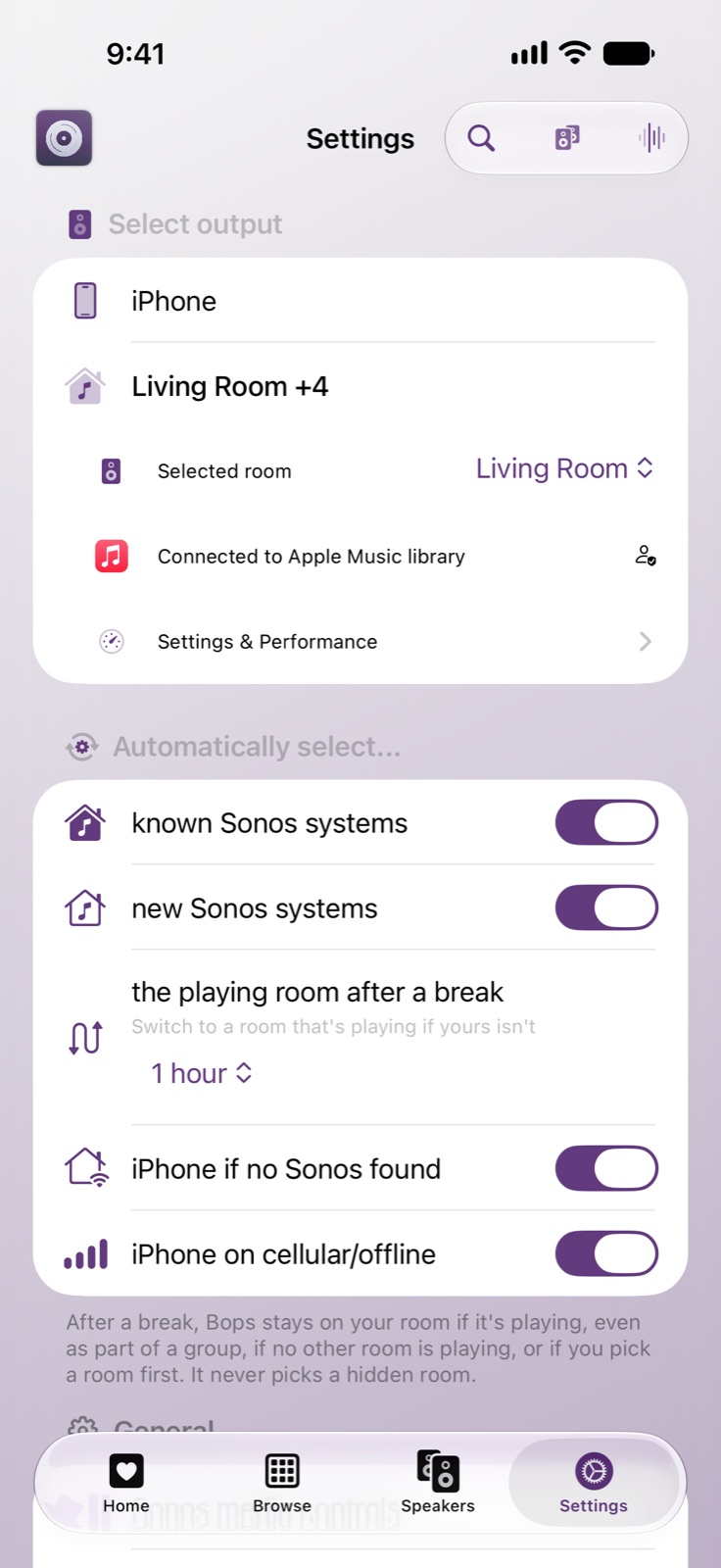
iPhone Take the Sonos queue with you when you leave (Gold)iPad Queue syncing on iPad (Gold)iPhone Play on your iPhone when there's no Sonos or no Wi-Fi
Siri and Settings
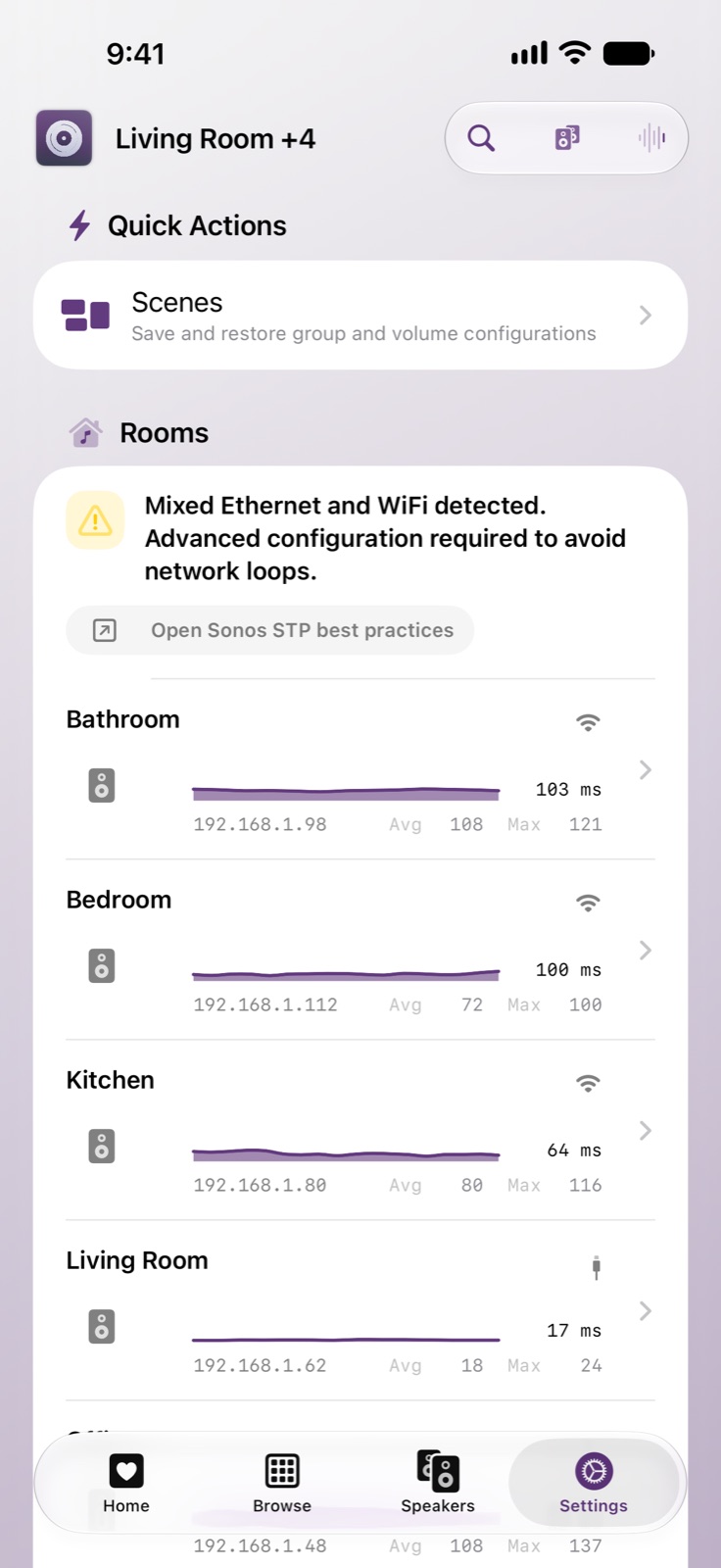
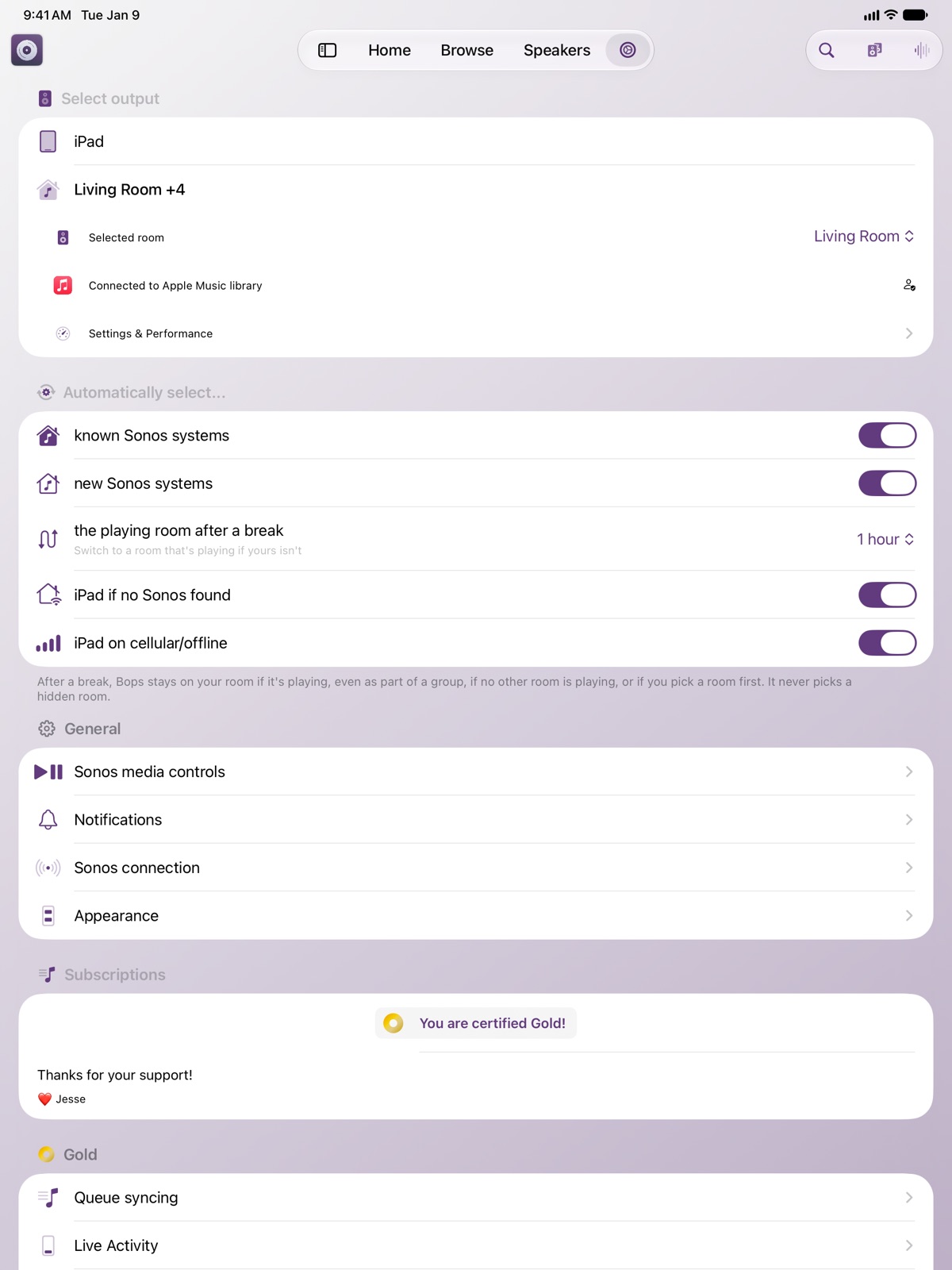
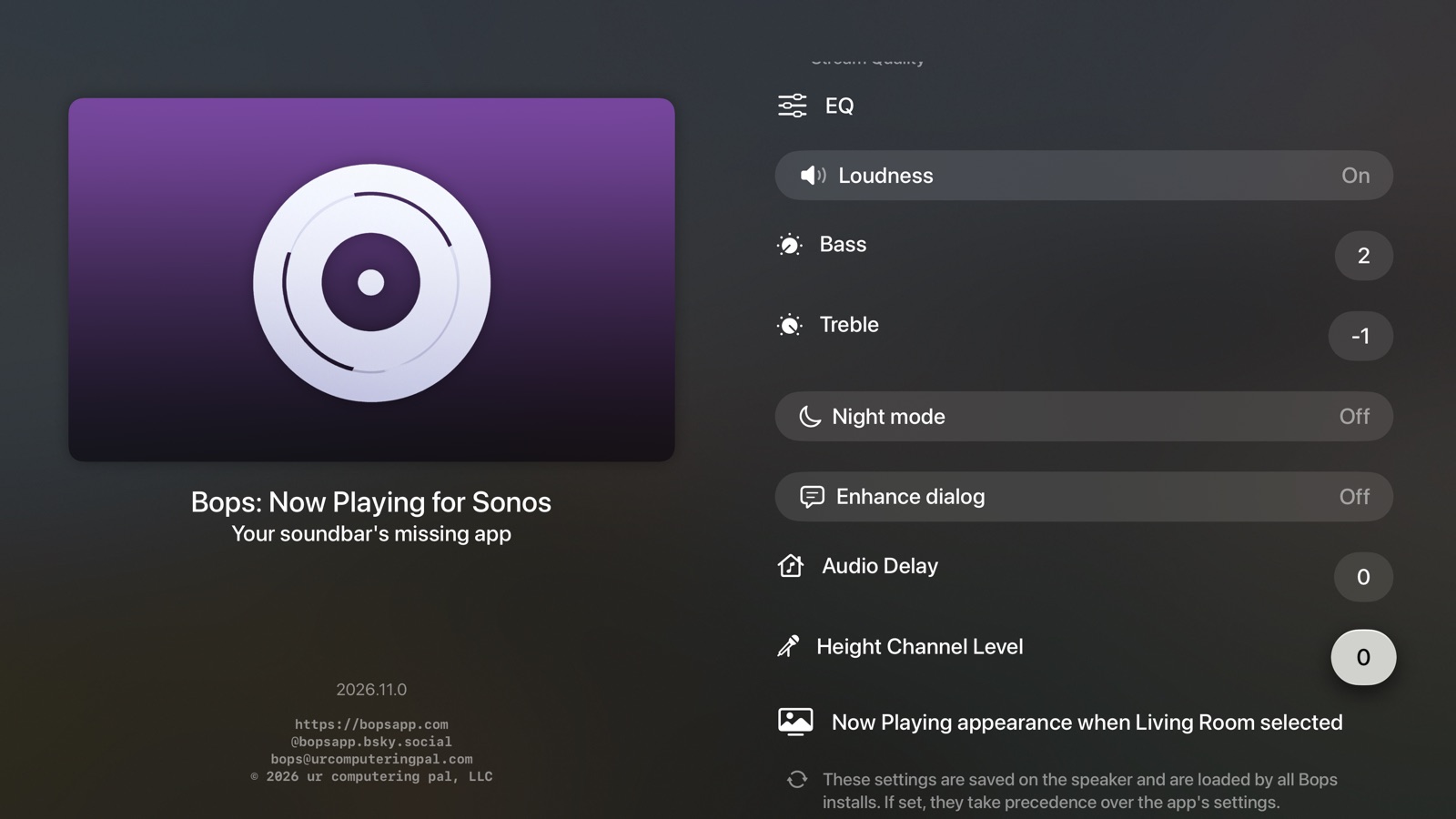
iPhone "Bops volume" turns each room up or down from Siri (Gold, iOS 27.3 and later)iPhone Every speaker's connection, and how quickly it answersiPad Settings on iPad